
Marriage Biodata Format in Word
Free Word Template Format
Word format is the right choice when you want to edit the biodata yourself, fill it in offline, or hand it to someone else to update. Every template here is free and downloads as a standard .docx file that opens in Microsoft Word, Google Docs, or WPS Office.
Create Your Biodata NowFree Marriage Biodata Templates - Word Format
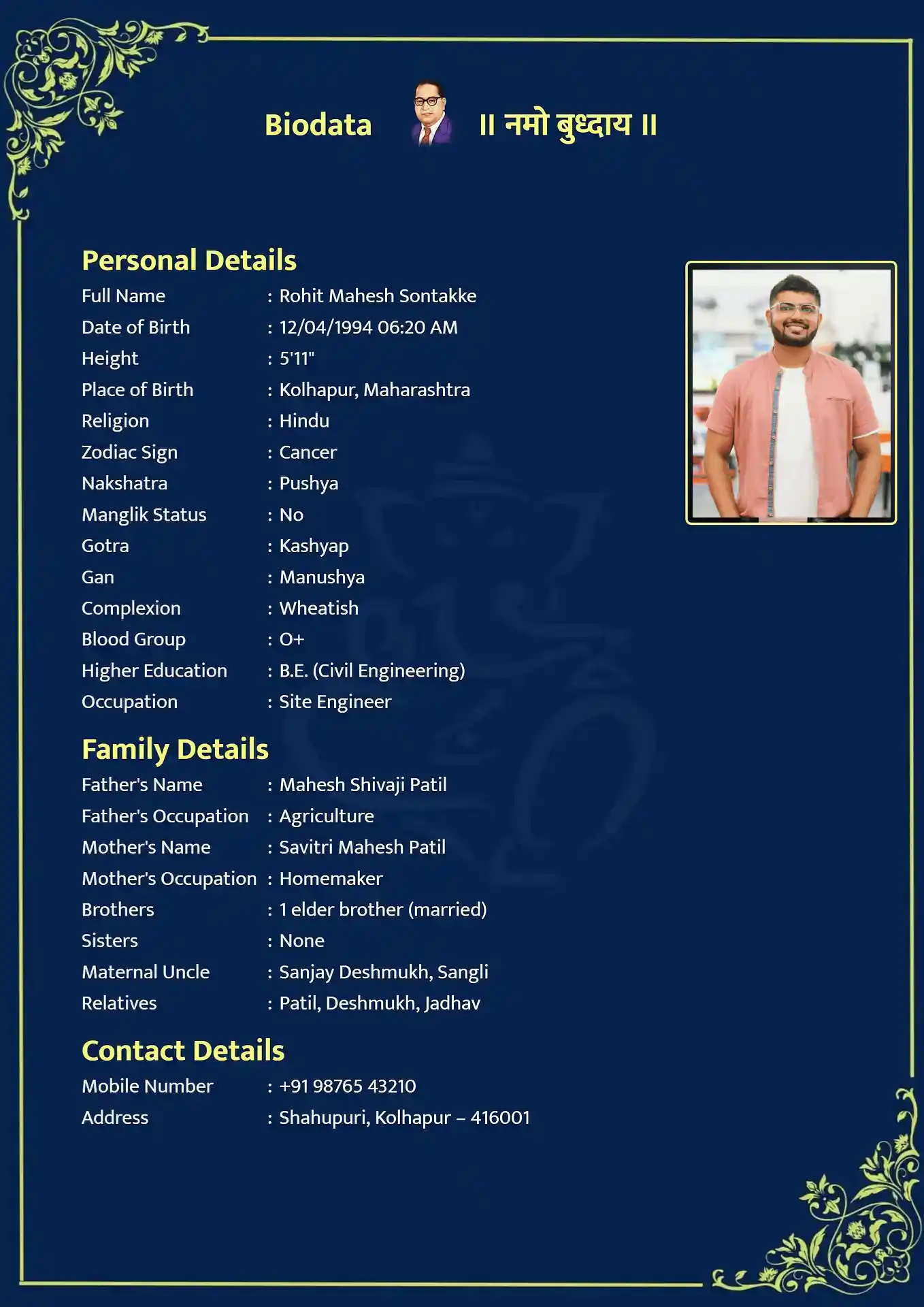
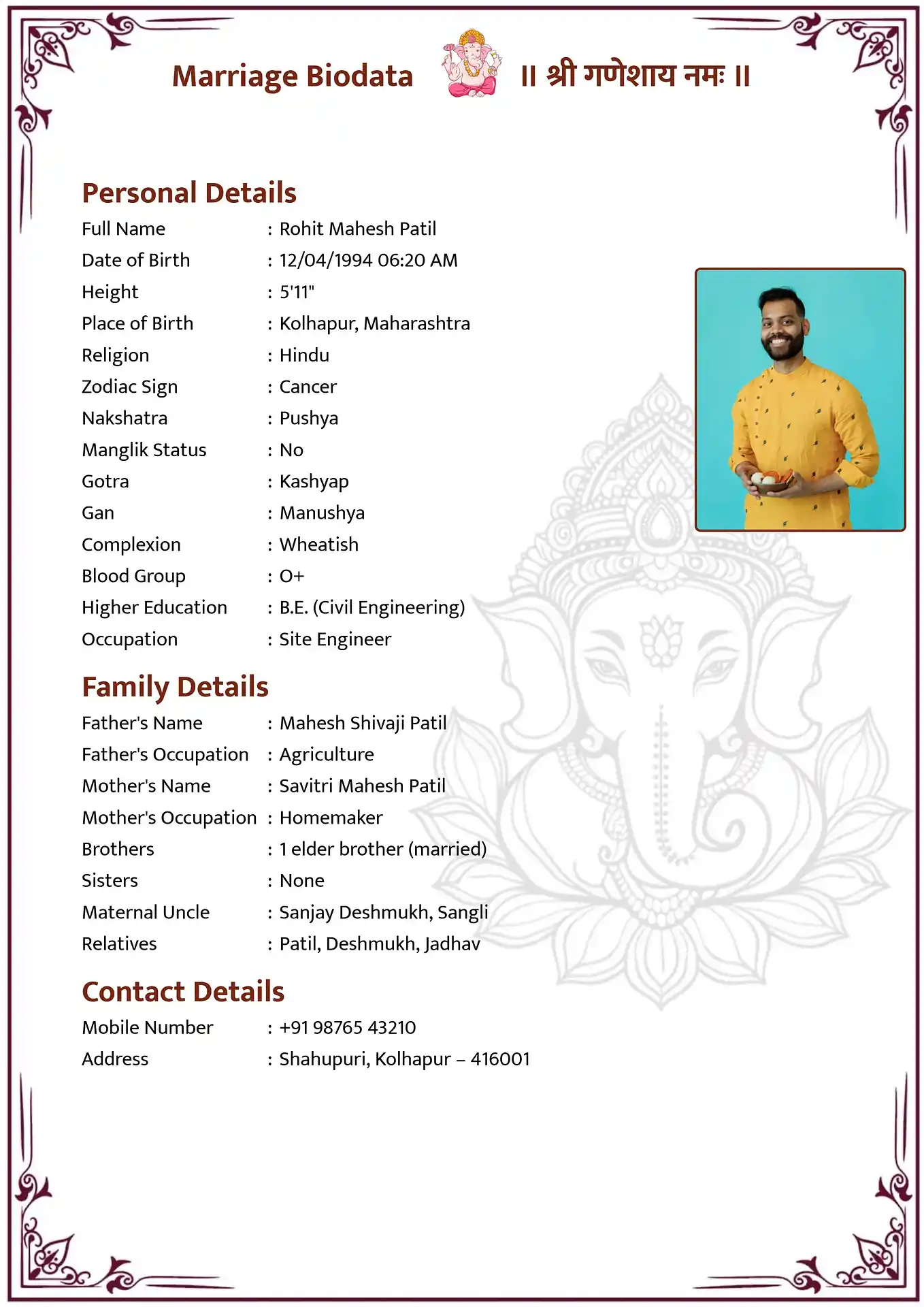
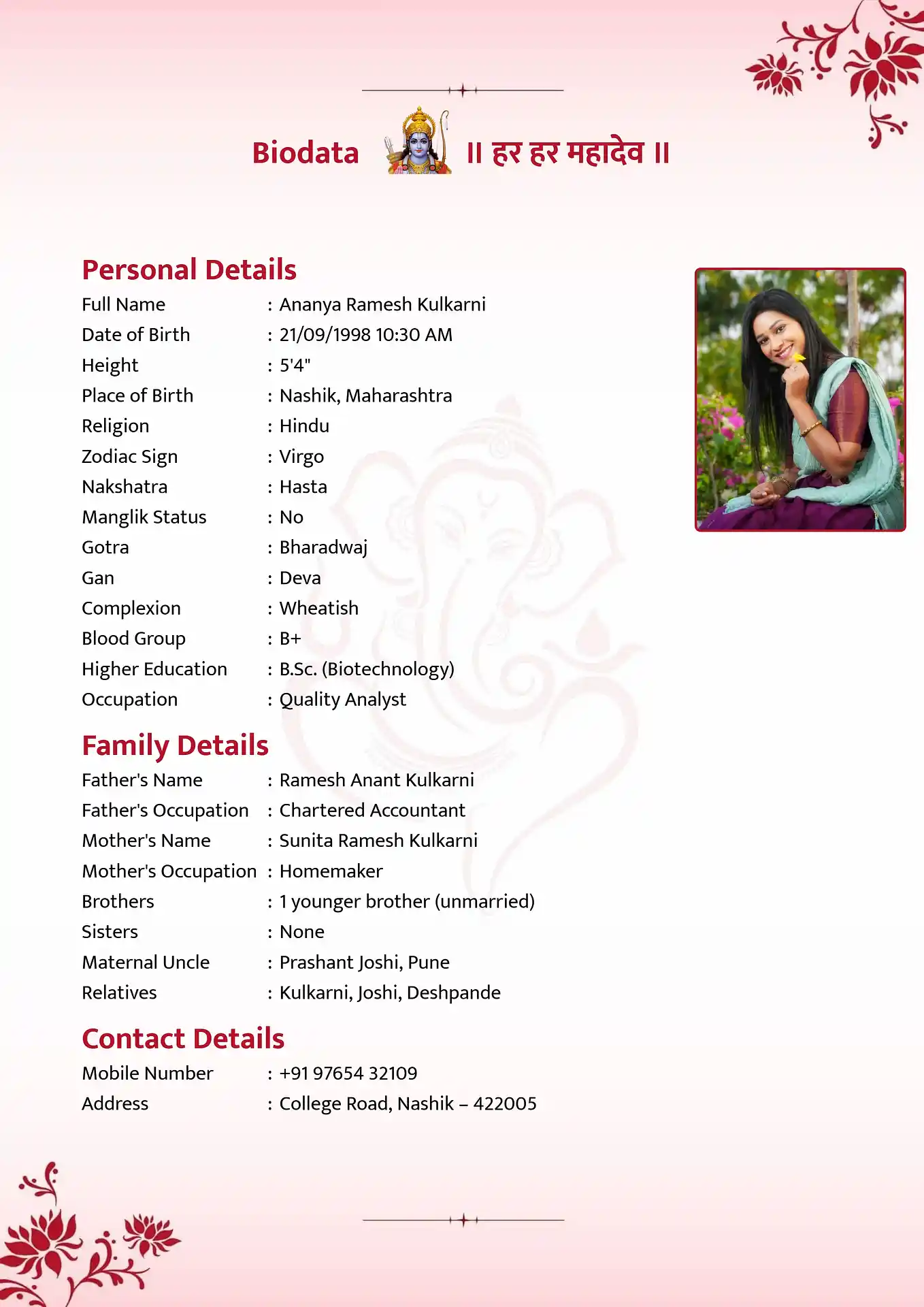
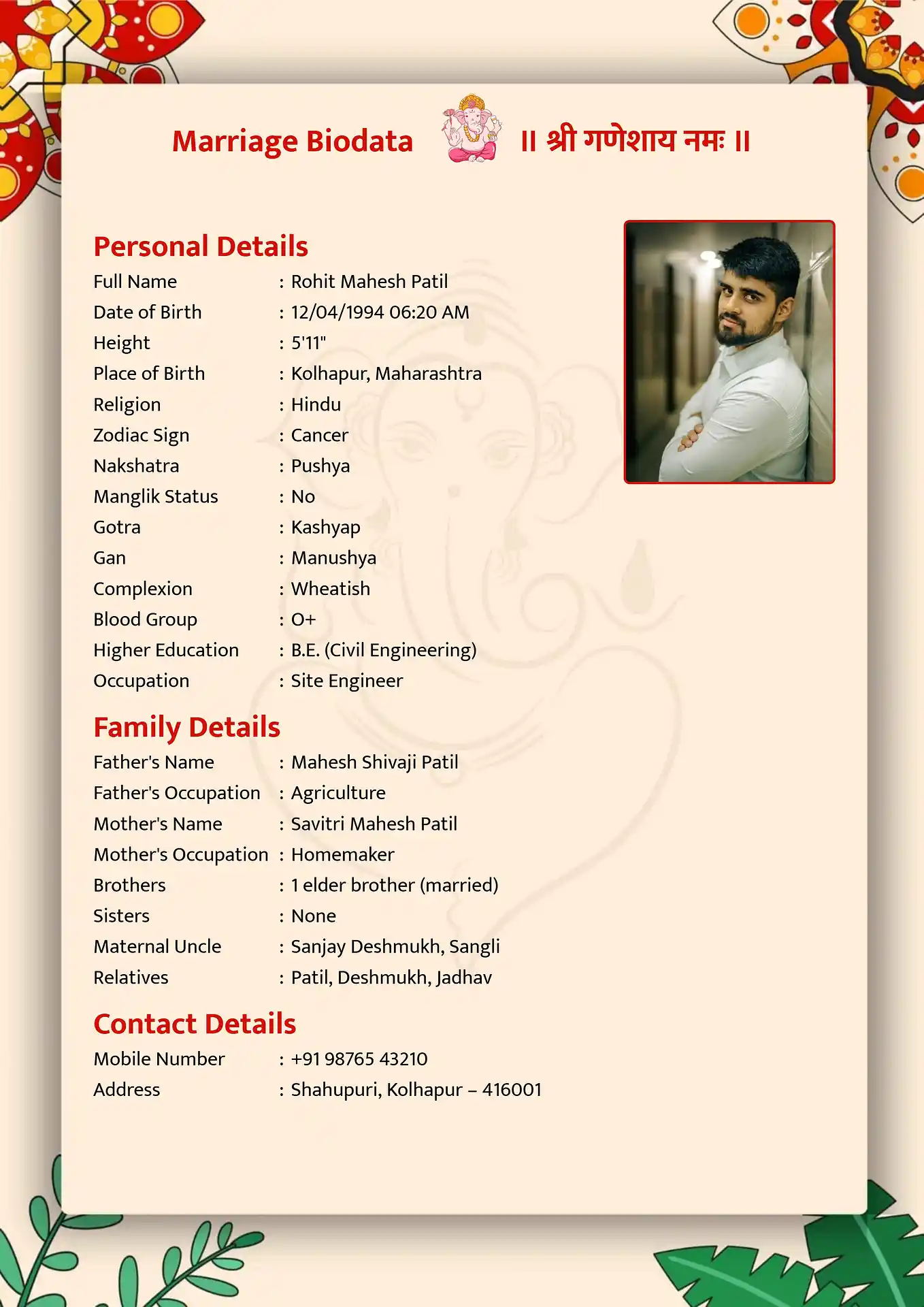
Click any template to open it in the biodata maker. Download the finished file as a .docx. All templates work in Microsoft Word, Google Docs, and WPS Office.
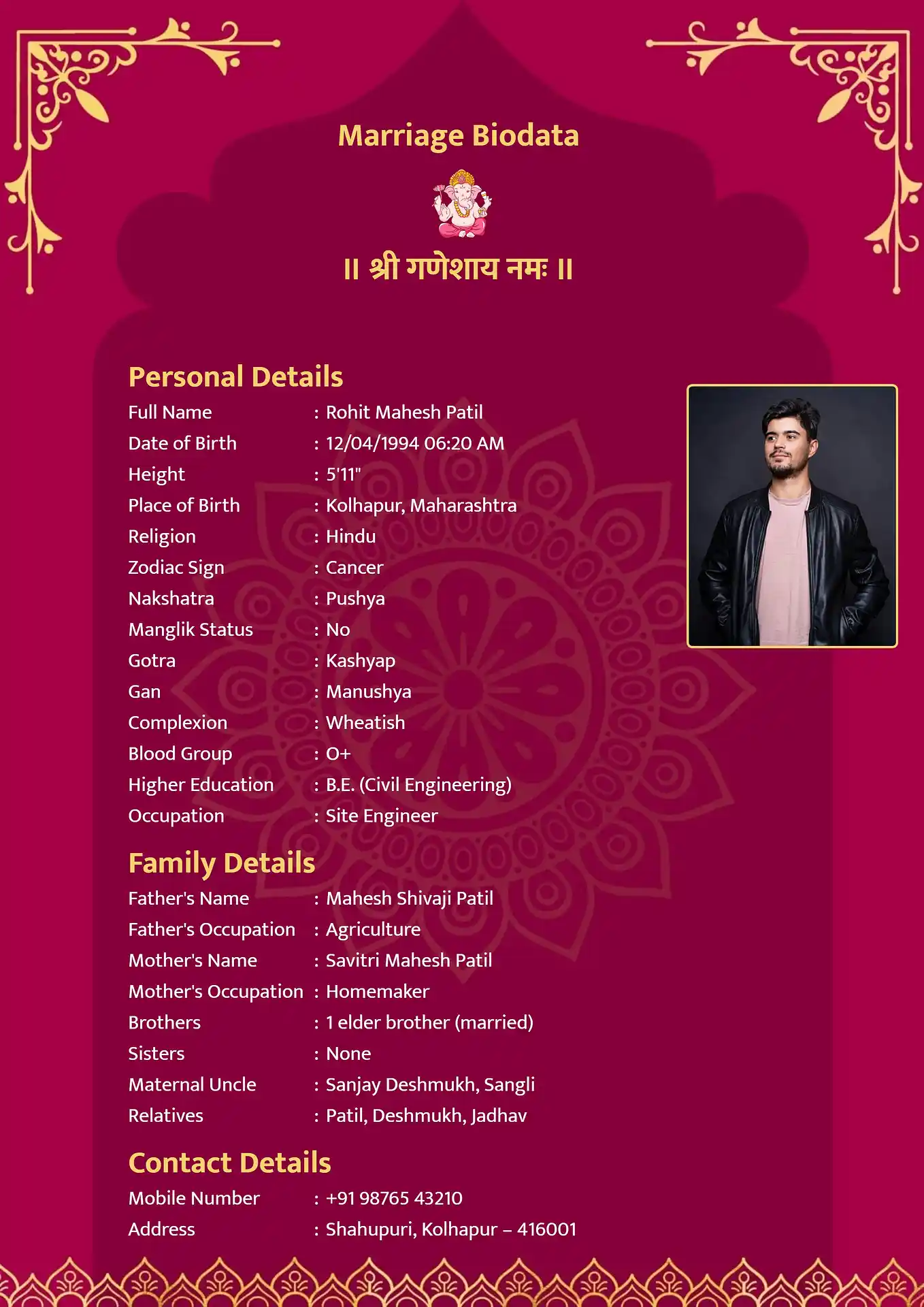
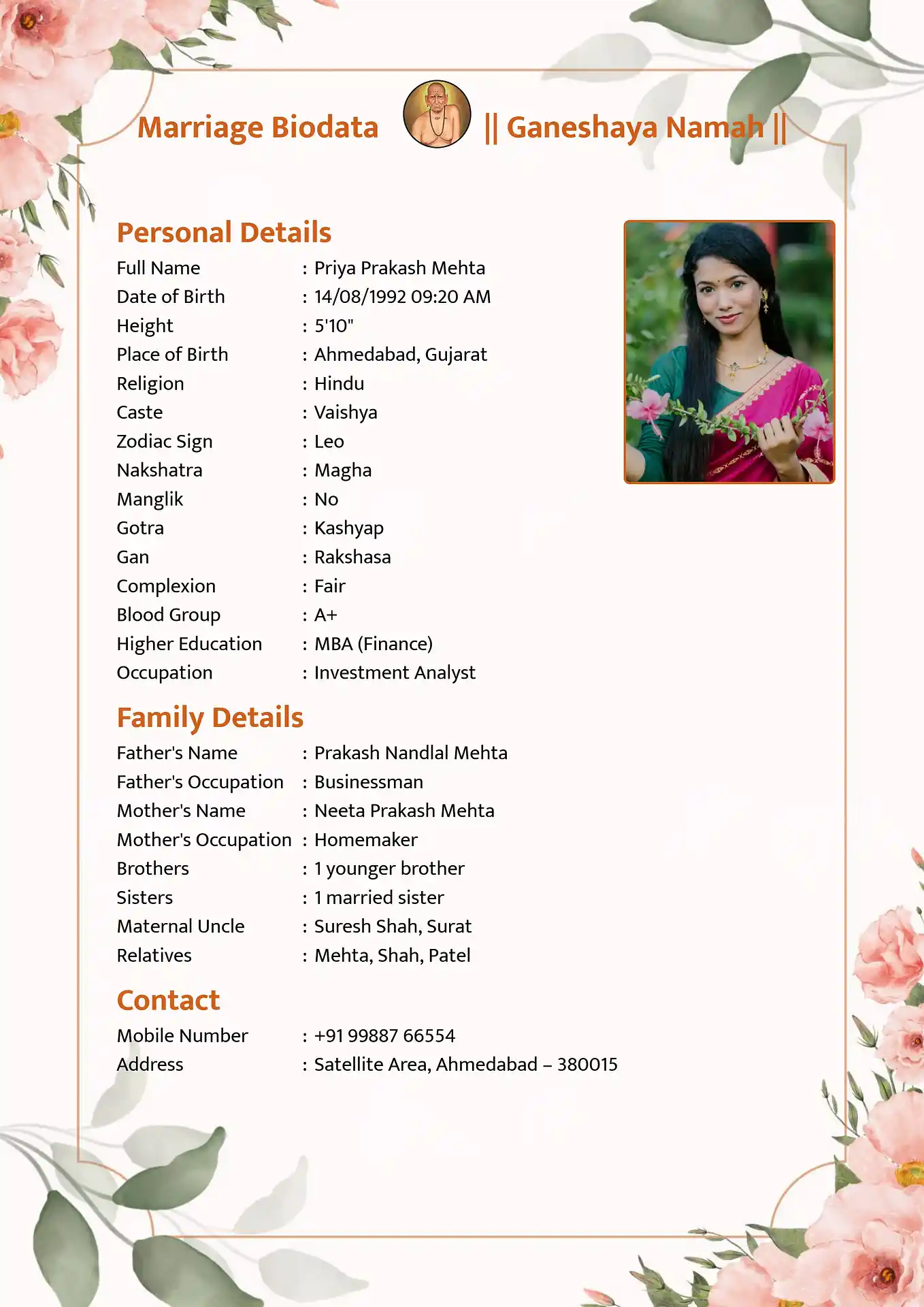
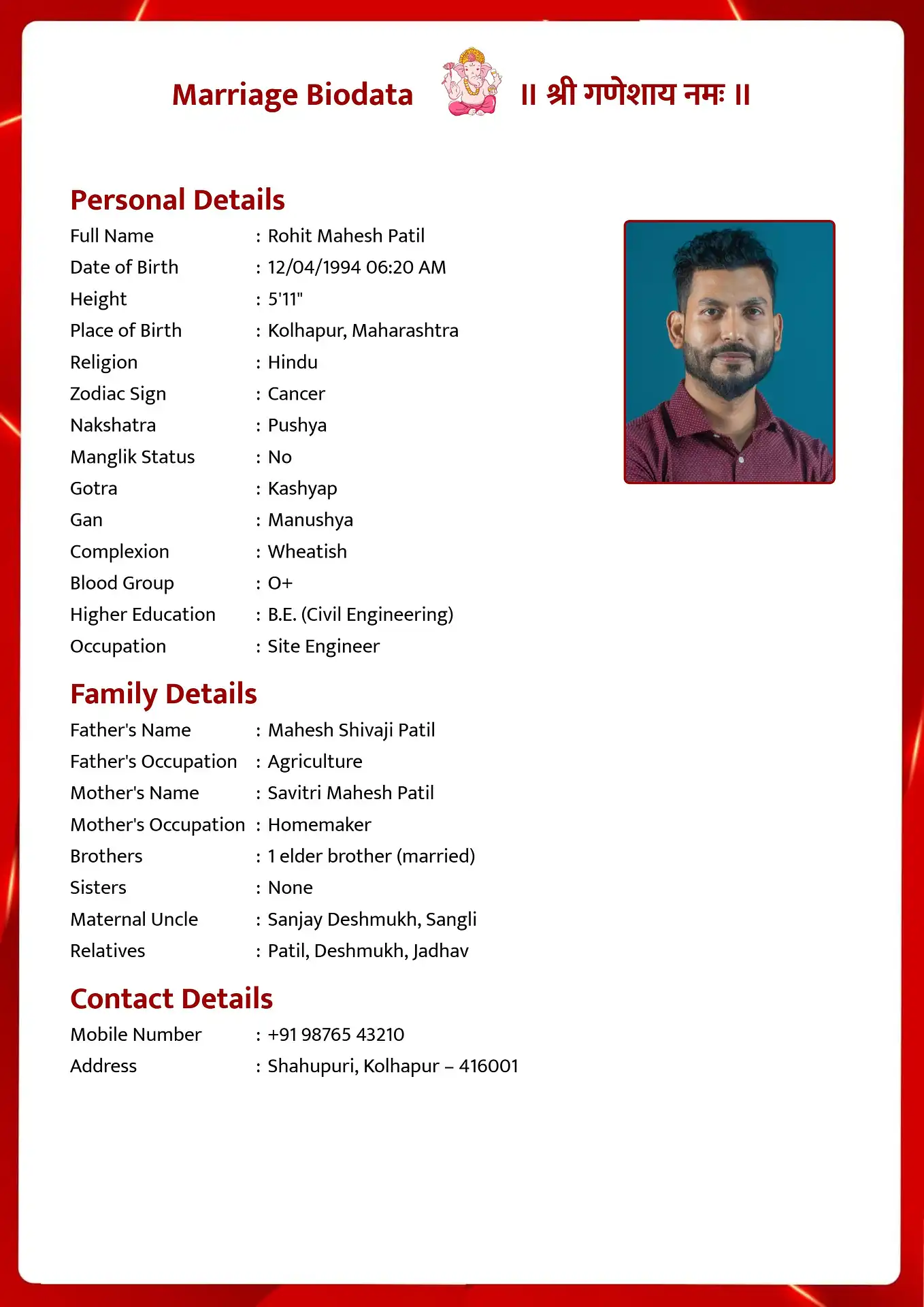
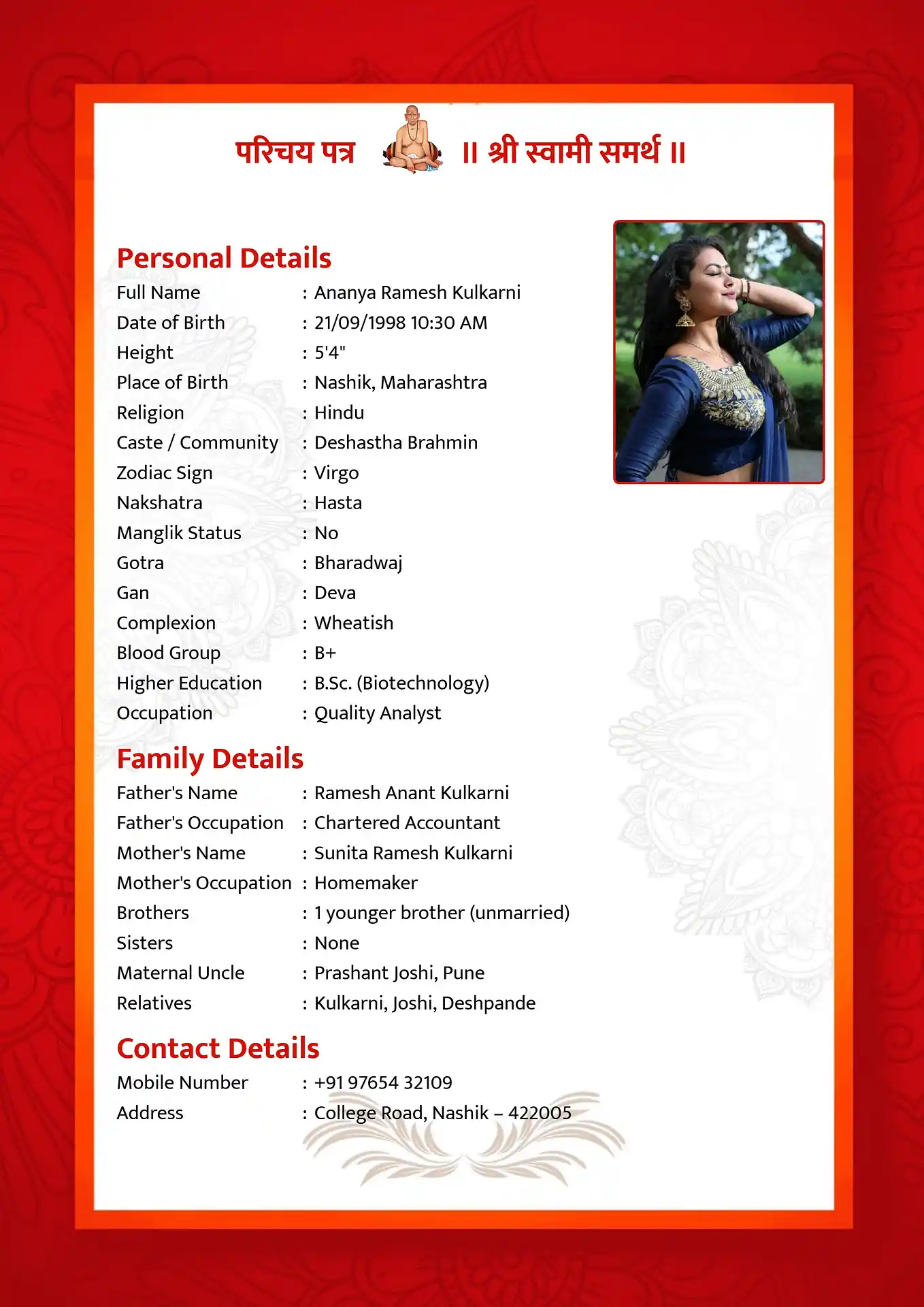
Why Download in Word Format
Most people share their biodata as a PDF - it looks the same on every device and no one can accidentally edit it. But Word format is better in a few specific situations.
If someone in your family is helping you create the biodata and needs to fill it in offline, a .docx file is easier to work with than a form-based tool. You can type directly into the document, adjust spacing, and save drafts as you go.
Some families specifically ask for a Word file so they can reformat it slightly before printing or forwarding. Others want to keep a master copy they can update when job details or contact information changes - without coming back online to recreate the whole thing.
If none of that applies to you and you just want to share your biodata on WhatsApp or email, you are better off with the marriage biodata PDF format . It is simpler and more reliable for that purpose.
What the Word File Contains
When you download using our maker, you get a single .docx file with your biodata already filled in - not a blank template you still need to edit. Your name, photo, family details, and all the other information you entered is in the document, laid out in the template design you chose.
You can open the file and make further edits at any time. Change the font, adjust spacing, add or remove sections, or update details as your situation changes. The file is fully editable - no locked fields, no watermarks, no expiry.
If you want to start from scratch rather than using our maker, you can also browse all marriage biodata templates and download a blank version to fill in manually.
Creating Your Word Format Biodata
The process is the same whether you download as Word or PDF. Choose a template from the gallery above, open the maker, and fill in each section - personal details, family background, education, profession, and partner preferences. Upload a photo when prompted.
When you reach the download screen, select Word (.docx) from the format options. The file downloads immediately. Open it in Microsoft Word, Google Docs, or any compatible application to review or edit before sharing.
Not sure what information to include or how to structure each section? The complete guide to making a marriage biodata walks through every section in detail.
If you are creating a free marriage biodata for a girl or a marriage biodata format for a boy , both pages have templates filtered by gender with specific guidance for each.
Biodata in Your Language
Frequently Asked Questions
Can I edit the Word biodata file after downloading?
Yes. The .docx file is fully editable with no restrictions. Open it in Microsoft Word, Google Docs, WPS Office, or LibreOffice and change any section you like - text, spacing, font size, or layout. There are no locked fields or protected sections.
Will the Word file look the same as the preview?
Mostly yes, with minor differences depending on the software you open it in. Google Docs sometimes shifts fonts or spacing slightly compared to Microsoft Word. For an exact match to the preview every time, use the marriage biodata PDF format instead - PDF is fixed and renders identically everywhere.
Is the Word download really free?
Yes, completely free. No account, no payment, no watermark on the downloaded file. Create your biodata, choose Word format at the download step, and the file is yours.
Should I send Word or PDF to families?
Send PDF when sharing with families or on matrimonial platforms - it opens cleanly on every phone and cannot be accidentally modified. Use Word only when someone specifically asks for an editable version, or when you are sharing it internally with someone helping you update it.
Can I get a blank Word template to fill in myself?
Yes. Use the maker to open a template, skip the form fields, and download the blank structure as a .docx. You can then type directly into it. Alternatively, browsing all marriage biodata templates shows you every design so you can pick the blank version that works best for your community and style.
Do you have a Marathi marriage biodata in Word format?
Yes. All our templates support Word download, including the Marathi marriage biodata in Word format . Open that page, choose a template, and select Word at the download step.
Download Your Marriage Biodata in Word Format
Pick a template, fill in your details, and download as a free .docx file. Edit it any time in Word or Google Docs.
Create and Download Free